
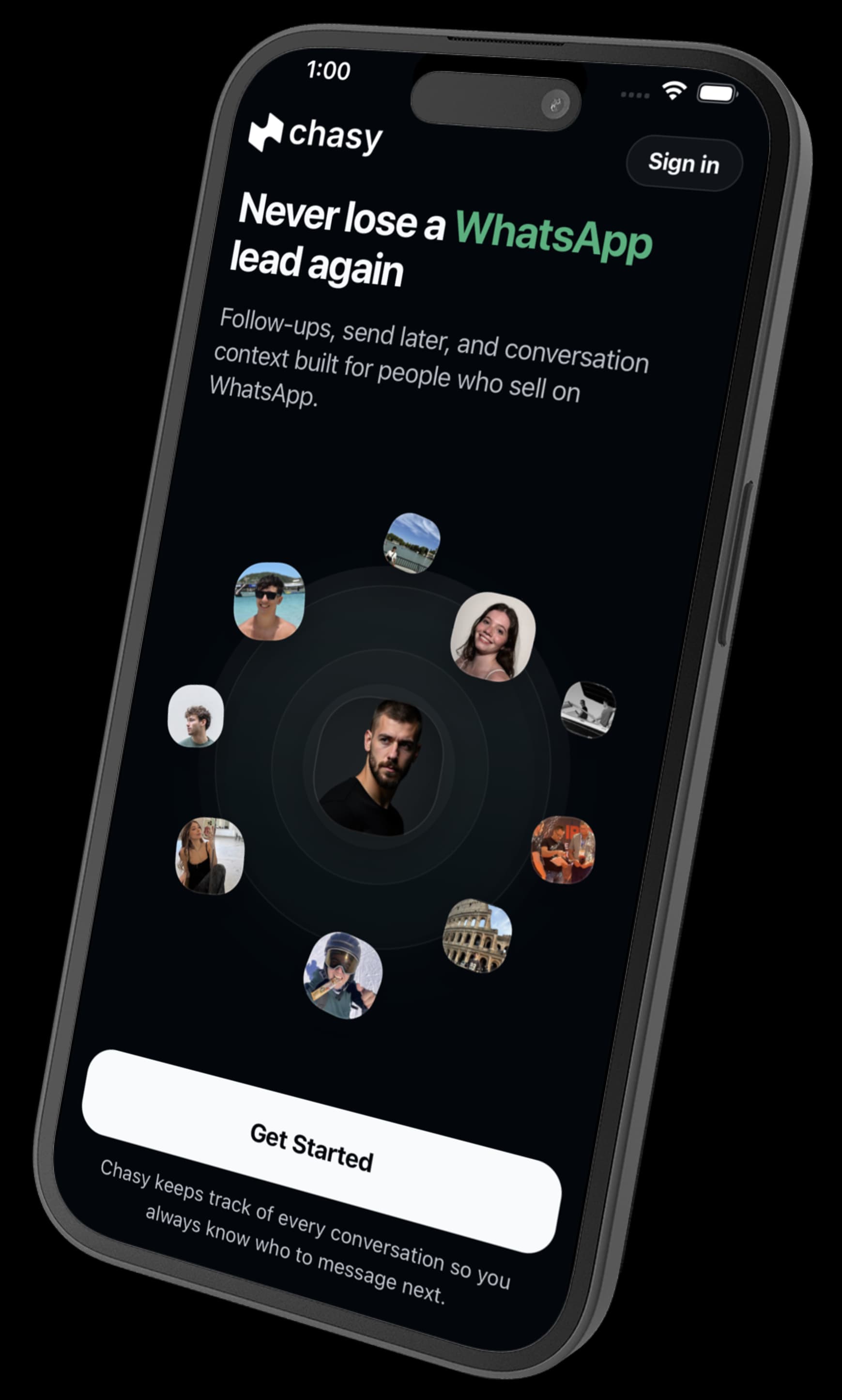
Never lose a WhatsApp lead again.

Chasy shows you exactly who to reply to, who needs a follow-up, and which conversations matter most.
Download Android
Chasy mobile app preview

Multi-tenant

Campaigns

Templates

Write it now. Send it later.

Pick a template, choose a time, and schedule the message.
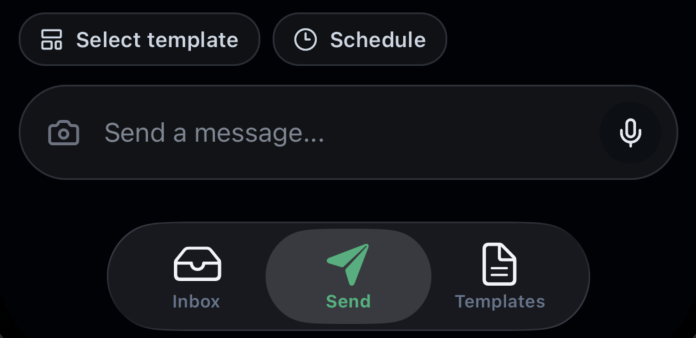
Chasy send later composer with template and schedule actions

Start from your last campaign.

Reuse recipients and settings, then edit before sending.
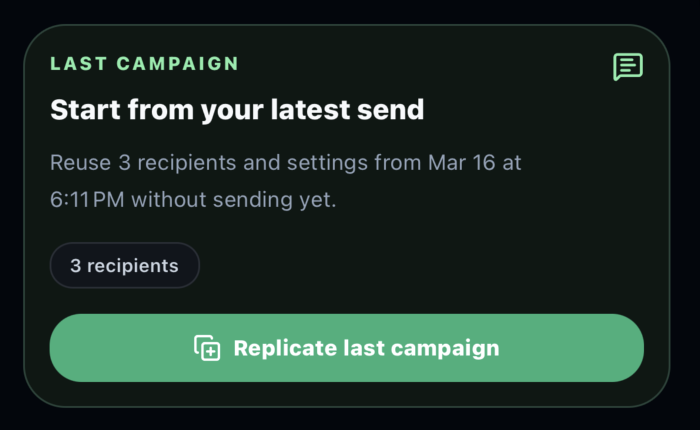
Chasy screen to replicate the last campaign

Create your own templates.

Save custom messages and use them again anytime.
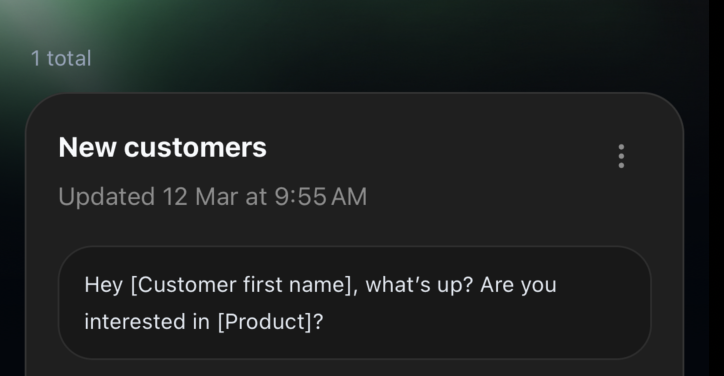
Chasy custom template preview

Manage multiple WhatsApp Business numbers in one app.

Switch between workspaces, keep each number separate, and manage everything from one account.
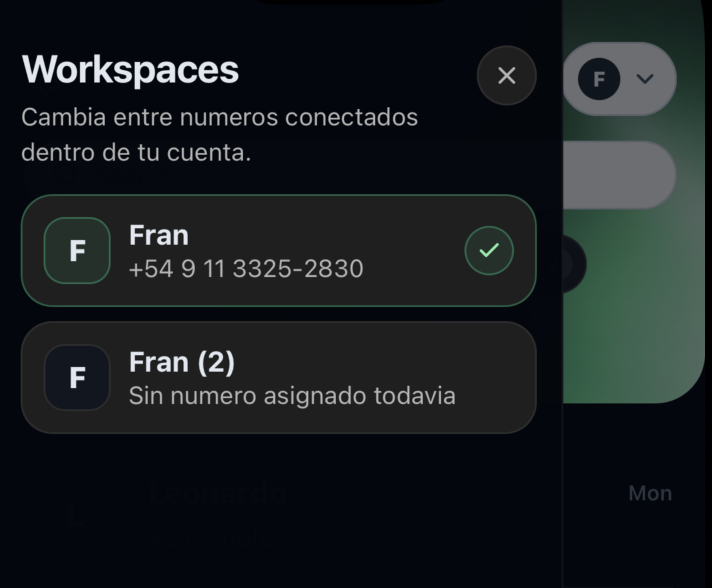
Chasy multi-workspace management screen

Pricing

Monthly

$14.99/month
Flexible

Best if you want to start simple and stay flexible.

$14.99/mo

3 Months

$34.99/3 months
Save 22%

A better rate without committing for a full year.

$11.66/mo

Popular

Yearly

$69.99/year
Save 61%

The best value if Chasy is part of your daily workflow.

$5.83/mo

All plans include

1 phone number
$5 per extra phone
AI included
Multi-tenant
Follow-Up Radar
Bulk messages
Templates
Schedule messages
14 days free trial - no credit card required

FAQ

Chasy uses a guided connection flow powered by Kapso. Once your workspace is connected, Chasy can organize conversations, track follow-ups, and help you send or schedule messages from the app.
You can review conversation previews, open a thread, reply right away, snooze a follow-up, schedule a message for later, and keep context visible while you work.
Yes. Chasy stores your timezone and working hours so send-later flows can be planned around the hours that make sense for you.
Yes. The app supports multiple workspaces, so you can switch between connected setups and keep each number organized under its own workspace.
Chasy needs message content, contact names or numbers, timestamps, follow-up metadata, and workspace settings to power the inbox, radar, send-later, and conversation memory features. The privacy page explains this in more detail.
Yes. The settings flow includes connection management so you can disconnect a workspace whenever you need to.
Yes. The mobile app is built so users can begin onboarding first and then sync their progress after authentication.